In Case You Had Any Doubt the iPhone 5 Is Going To Sell Like Hotcakes

Jimmy Kimmel is here to tell you that Apple’s new iPhone, regardless of what you think of it, will end up being a huge hit with consumers – in typical Apple fashion.

I think the new iPhone looks amazing. But it doesn’t give me this itch to upgrade like with previous updates to the world’s best smartphone. But make no mistake, I think this is the best phone that you can buy today – bar none… especially not that Galaxy SIII thing.

I don’t feel disappointed though because I think we’re at a point in technology where incremental updates are the way to go. The room to grow isn’t that roomy and drastic changes can’t happen yearly. Sure the iPhone 5 lacks some technologies which are available today. However,  I’d much rather not have new technology incorporated in the phone (NFC comes to mind) without it being entirely practical. Less clutter, more usability.

Why won’t I get it? Well, for one I am a student in a country where mobile carrier plans don’t exist so coughing up the full price for it doesn’t make sense to me when my 4S can do everything it does except in a different enclosure. I wouldn’t mind it as a gift though – my birthday is coming up in exactly two months *wink – 64GB, black – wink.*

For a complete rundown on the new iPhone, click here.

I think if you have any iPhone that’s older than the iPhone 4S, you’re due for an upgrade.

Mac OS X 10.8 Mountain Lion – Overview and Observations

Apple is set to release its next update to the Mac operating system OS X tomorrow. However, I’ve been working with Mountain Lion for the past two weeks and here’s an overview of 10.8 as well as some observations.

The update is quite welcome. My Mac’s performance improved drastically over Lion which had caused my mid 09 Macbook Pro to experience some serious lagging. The most welcome update that I found myself is enjoying is actually Safari. I no longer need any other browser to get by and I haven’t bothered downloading any other the browsers I used to use on OS X Lion. And I’m especially fond of them integrating the google search function into the address bar (better late than never).

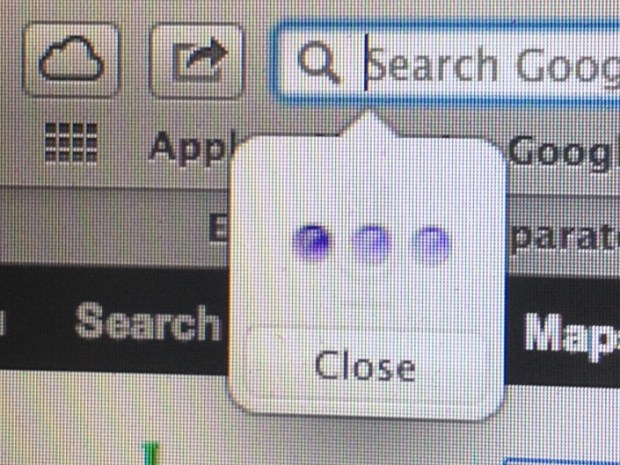
Another interesting feature in Safari, which is also present across the Mountain Lion, is some serious iCloud integration. Notice the cloud icon next to the address bar? Clicking on that will show you any tabs you left open on your iPhone or iPad so you can pick up your reading or work on your Mac.

Moreover, you can immediately add any page you want to your reading list and it will actually take some time to save the page for offline viewing. The page will then sync to your reading list on your iPhone or iPad as well.

The install process was quite smooth. I opted for a clean install so I simply turned a flash drive into a bootable drive and used it to erase my hard drive and install Mac OS X anew.

When the update is released via the Mac App Store tomorrow, you can simply opt to update without deleting any of your data. Having Time Machine backups is preferable though, although odds are nothing serious will happen. It’s a very streamlined process which only requires clicking a few buttons and waiting about 30 minutes and you’re set.

With the introduction of Notification Center and Notification Banners, you can opt out of having the dock showing all the time. Whenever you receive an email, a twitter notification or an iMessage, you will get a banner on the top right similar to the one below. It’s very neat.




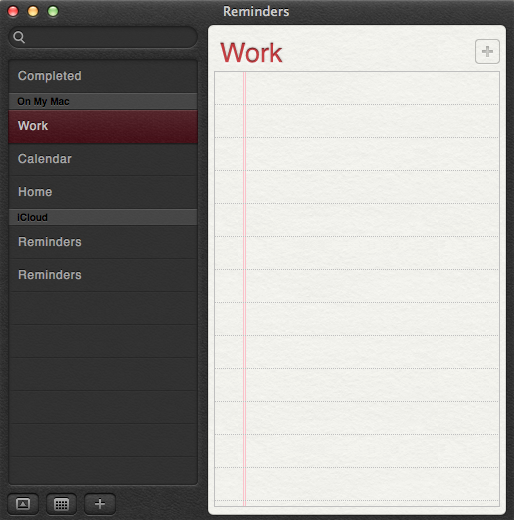
Swiping left or simply clicking on the dashed button next to the search icon on the top right will show the notification center which aggregates all your notifications and they stay there until you clear them.

Of the new additions to OS X Mountain Lion, there’s Notes and Reminders, both of which also sync to your iDevices so your notes and reminders can be synchronized everywhere.

They have also added Game Center, which I think is useless.

 

One of the other cool features that were added, under the hood, is power nap whereby your mac goes to sleep but it stays up to date with your emails and notifications. They have also added dictation which you can activate by clicking the “fn” button twice. Yes, you will finally use that button.



iCloud integration:

As I mentioned previously, Apple is pushing you to use iCloud with everything they can in OS X Mountain Lion (and iOS 6 for your iDevices). In fact, the default saving option for your documents, modified pictures, etc… is, yes you guessed it, to iCloud.
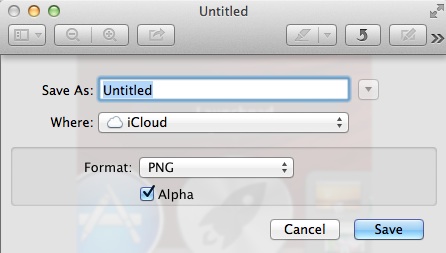
I think the whole feature is seamless and streamlined. Anything you do on your mac gets synced to the cloud which sends it to your iPhone or iPad. It’s that simple and intuitive. It’s also nice to find something you had been typing out on the mac already on the iPad.

Twitter integration:

Facebook integration is coming later. But Twitter integration is already here. And the sharing button is everywhere. Mountain Lion even asks you if you want to allow other applications to use your twitter account the first time you set it up or even authorize an application to use your account online.

Sharing to twitter is also very simple and very similar to iOS 5.


Sharing:

In fact, it doesn’t stop at Twitter. Apple wants you to share things with Mountain Lion, be it to friends via airdrop or sharing your videos to Facebook or via email.

In fact Airdrop is now integrated, for example, into Quicktime itself to immediately share that file to your friends who are on the same network.

The show is The Walking Dead by the way.

And that’s a quick roundup of some of the main features that I, as a basic user, worked with on OS X Mountain Lion. Should you upgrade? I say definitely. It’s more than worth it and for a little more than $20, it’s very affordable.

An interesting tidbit though, the new wallpapers for OS X Mountain Lion don’t even have a picture of a Mountain Lion.




The Facebook Camera App: My Impressions

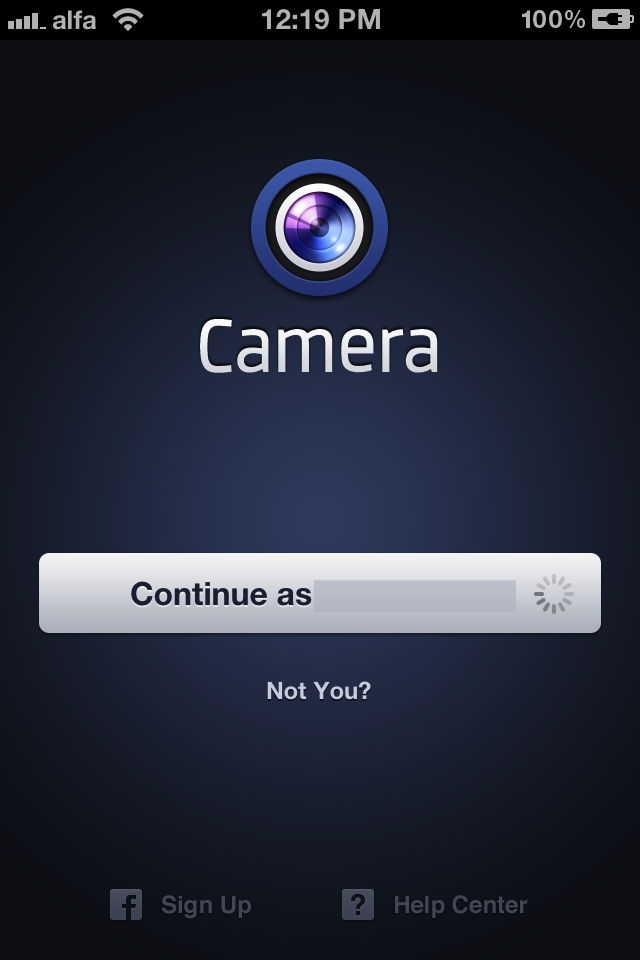
Seeing as I have a US iTunes account, which I dearly cherish, I got to download the Facebook Camera app, currently exclusive for iPhone, before its availability on other stores. So I tested it for a whole day on my iPhone 4S and these are my initial impressions.

It’s pretty fast. Once you launch the app, it takes you immediately to a news feed version for Facebook’s photos. You can see pictures that your friends uploaded and comment on them. This is where the pictures you take will go as well. You can swipe among the pictures your friends were tagged in. Loading the pictures is much faster than the regular Facebook app, which I think is horrible at handling pictures.

Facebook Camera is streamlined enough to post pictures on your Facebook timeline without much effort. Once you take the picture, you’ll get many filters to choose from before sharing your work. Those filters are a total of 14 (apart from normal). You access them by tapping on a brush button similar to that in Apple’s iPhoto app. They are similar to the filters you get in instagram but are named differently, obviously. You can upload pictures in batches, faster than with the regular Facebook app, and in higher resolution.

Once you’ve chosen the filter of choice, you click on the button to post. Now you’re back to familiar territory, similar to the Facebook app for iOS. However, you can actually save a post draft here in case you decided you wanted to save sharing the picture for later. That’s something I hope they add for the regular Facebook app.

Once you share the picture and it uploads, it’ll appear on your timeline as posted from “Facebook Camera.”

Overall, I think it’s an interesting app. I really like the icon, actually. But it’s not quite a home-run. Will it overtake instagram? I doubt that’s Facebook’s intention but they’re not betting right if they think it will. While it has its advantages, such as saving the original picture in your camera roll immediately after taking it, it has its drawbacks as well. For instance, it doesn’t save the modified picture in your camera roll, unlike Instagram.

Instagram has become so ingrained with users that uprooting it will take much more than an app which shares exclusively on Facebook and using it means flooding un-wanting users with pictures of things you find interesting but they have no interest in.

At the end of the day, where Facebook Camera falls short is in it not being a photo-exclusive platform. It comes with the baggage that is “Facebook.” Bonafide photography applications, such as Instagram and Camera+, cater to those who have a hobby for photography. They created an environment where those users can stretch their wings with exotic shots that they wouldn’t necessarily want to share with their Facebook friends.

Facebook Camera caters to the Facebook crowds whose pictures are less interesting than the Instagram crowd. But they are much, much more numerous. For once, however, Facebook has created a mobile app that is actually good. Hopefully that’s a sign of what’s to come for the regular Facebook app.

Brace yourselves, everyone, the Facebook Camera posters are coming.

God Plays With Siri – Or Samuel L Jackson

Preparing for a date night? No problem. Siri is here for you.

Zooey Deschanel has also toyed with the iPhone 4S’ feature.

Months after getting my iPhone 4S, I still find myself using Siri occasionally to text and call people and heavily to play music while on the road and set up alarms.

iPhone 4S users, are you still using Siri?

Lebanese iPhone Users: How To Get AT&T To Unlock It

This works for any iPhone 4, iPhone 3GS, iPhone 3G and original iPhone purchased for full-retail price from the US and it’s locked to AT&T, using hacks to make it work in Lebanon.

I currently have the iPhone 4S, which I got factory unlocked. However, I went through every iPhone update except the 3G so the first one I got, the original iPhone, was locked to AT&T and I managed to get an unlock process opened for it today going through the following route.

1 – Write down the phone’s IMEI number.

2 – Download the application “Vonage” on any smartphone that has it. This is an app that will allow you to call US numbers for free. You can get the iOS version here.

3 – Call the following AT&T number using Vonage: +18003310500 – wait for the operator to finish talking then press 1. When it starts talking again, press 0 immediately so you don’t go through the whole list and it will connect you to a customer care representative. Your waiting time shouldn’t be long. For me, it was less than a minute.

4 – The first thing the representative will ask of you is for your AT&T number. Tell them you don’t have have an AT&T contract and that you heard about the iPhone unlocks and would like to unlock your contract-free iPhone, which you bought for full retail price.

5 – At that point, they will take your name, last name, email address and ask you for a phone number. Let them know that you are currently outside of the United States so you prefer to be contacted via email, and make sure they spell out the email for you. However, they’re going to require a phone number to open a case for you so give them your Lebanese phone number in the following format: 961xxxxxxx .

6 – Then they will ask you for the IMEI number. Make sure you have it on you and read it to them. They will repeat it for you. Make sure they have it correctly. A one digit difference can mess things up.

7 – Soon after, they will put you on hold for a few minutes as they check the information you gave them. If all checks out, which it should, they will give you a case number. Make sure you have a paper and pen at your disposal to write it down. Then read it back to them to make sure you have it correctly.

8 – You’re done. Once you’re given a case number, it means your request has to go through the motions of reaching Apple and them sending you the unlock code. I was given a delay till April 17th but I expect to have my original iPhone unlocked sooner.

The whole process took about 20 minutes to finish. It’s pretty streamlined and straightforward. Don’t panic about your English – the customer care representative I spoke to was not American and my English was better than him. Make sure you have all the info you need prepped and you’re good to go.

Just an extra hint, American customer service is actually quite awesome. They care about their customers’ well-being, unlike many Lebanese companies. So be truthful, meaning don’t go all Lebanese-7arboo2 on them, and they’ll be more than glad to help you.

Hope this was of help.