Apple is set to release its next update to the Mac operating system OS X tomorrow. However, I’ve been working with Mountain Lion for the past two weeks and here’s an overview of 10.8 as well as some observations.
The update is quite welcome. My Mac’s performance improved drastically over Lion which had caused my mid 09 Macbook Pro to experience some serious lagging. The most welcome update that I found myself is enjoying is actually Safari. I no longer need any other browser to get by and I haven’t bothered downloading any other the browsers I used to use on OS X Lion. And I’m especially fond of them integrating the google search function into the address bar (better late than never).

Another interesting feature in Safari, which is also present across the Mountain Lion, is some serious iCloud integration. Notice the cloud icon next to the address bar? Clicking on that will show you any tabs you left open on your iPhone or iPad so you can pick up your reading or work on your Mac.
Moreover, you can immediately add any page you want to your reading list and it will actually take some time to save the page for offline viewing. The page will then sync to your reading list on your iPhone or iPad as well.

The install process was quite smooth. I opted for a clean install so I simply turned a flash drive into a bootable drive and used it to erase my hard drive and install Mac OS X anew.
When the update is released via the Mac App Store tomorrow, you can simply opt to update without deleting any of your data. Having Time Machine backups is preferable though, although odds are nothing serious will happen. It’s a very streamlined process which only requires clicking a few buttons and waiting about 30 minutes and you’re set.
With the introduction of Notification Center and Notification Banners, you can opt out of having the dock showing all the time. Whenever you receive an email, a twitter notification or an iMessage, you will get a banner on the top right similar to the one below. It’s very neat.



Swiping left or simply clicking on the dashed button next to the search icon on the top right will show the notification center which aggregates all your notifications and they stay there until you clear them.

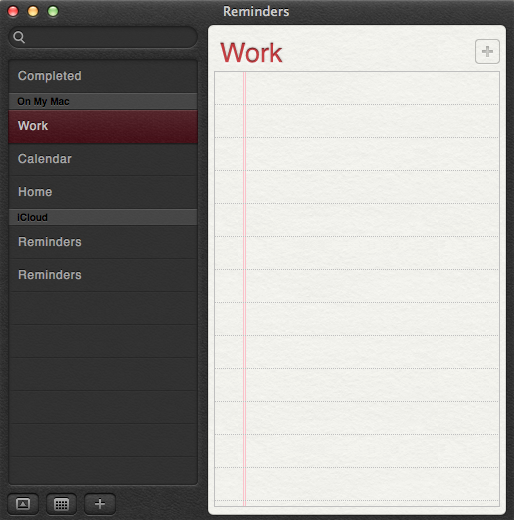
Of the new additions to OS X Mountain Lion, there’s Notes and Reminders, both of which also sync to your iDevices so your notes and reminders can be synchronized everywhere.

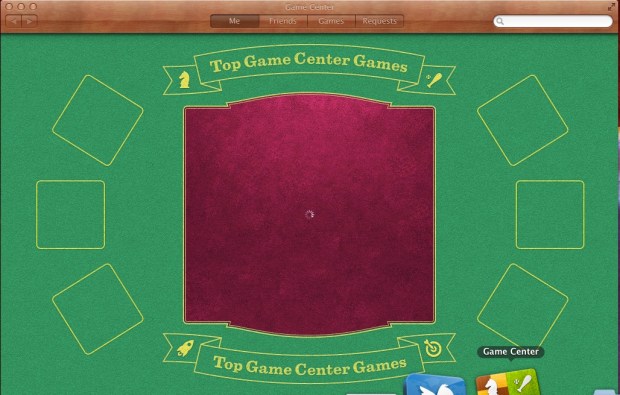
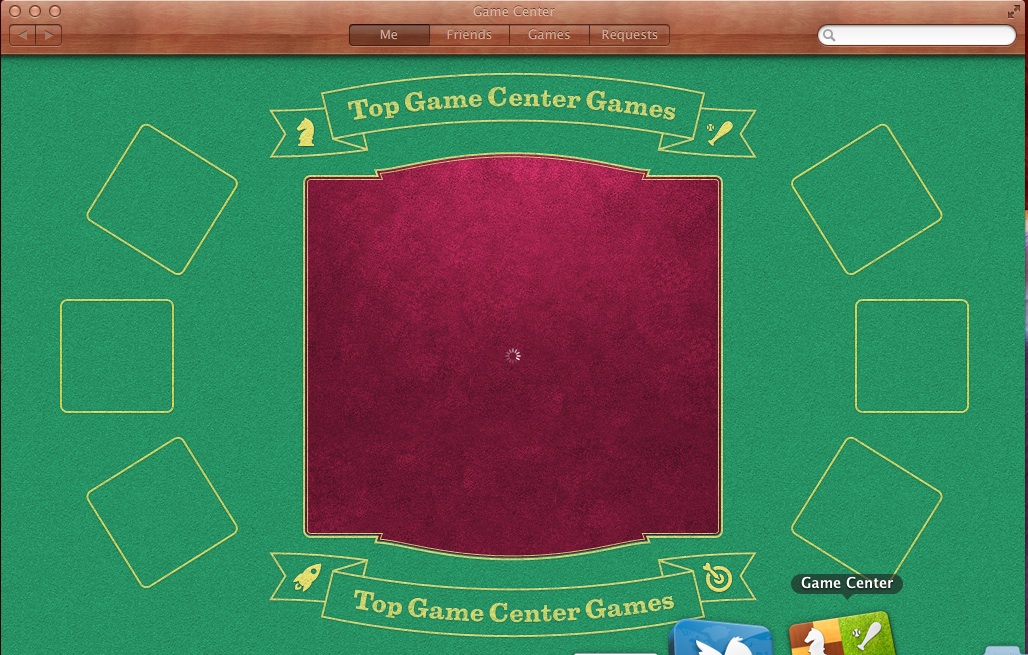
 They have also added Game Center, which I think is useless.
One of the other cool features that were added, under the hood, is power nap whereby your mac goes to sleep but it stays up to date with your emails and notifications. They have also added dictation which you can activate by clicking the “fn” button twice. Yes, you will finally use that button.


iCloud integration:
As I mentioned previously, Apple is pushing you to use iCloud with everything they can in OS X Mountain Lion (and iOS 6 for your iDevices). In fact, the default saving option for your documents, modified pictures, etc… is, yes you guessed it, to iCloud.
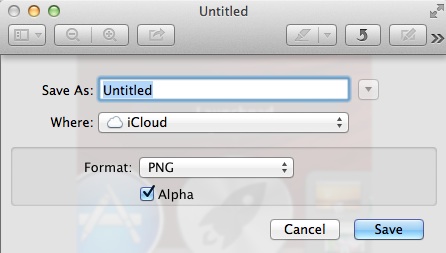 I think the whole feature is seamless and streamlined. Anything you do on your mac gets synced to the cloud which sends it to your iPhone or iPad. It’s that simple and intuitive. It’s also nice to find something you had been typing out on the mac already on the iPad.
Twitter integration:
Facebook integration is coming later. But Twitter integration is already here. And the sharing button is everywhere. Mountain Lion even asks you if you want to allow other applications to use your twitter account the first time you set it up or even authorize an application to use your account online.

Sharing to twitter is also very simple and very similar to iOS 5.

Sharing:
In fact, it doesn’t stop at Twitter. Apple wants you to share things with Mountain Lion, be it to friends via airdrop or sharing your videos to Facebook or via email.
In fact Airdrop is now integrated, for example, into Quicktime itself to immediately share that file to your friends who are on the same network.
 The show is The Walking Dead by the way.
And that’s a quick roundup of some of the main features that I, as a basic user, worked with on OS X Mountain Lion. Should you upgrade? I say definitely. It’s more than worth it and for a little more than $20, it’s very affordable.
An interesting tidbit though, the new wallpapers for OS X Mountain Lion don’t even have a picture of a Mountain Lion.


















 A Separate State of Mind | A Blog by Elie Fares